HDMI vs DisplayPort: Why Are There Two Display Connections?
If HDMI and DisplayPort both carry digital video and audio, why do we need two different standards?
The short answer is that they grew out of different environments.
HDMI was developed around consumer electronics and the home AV system: televisions, DVD and Blu-ray players, AV receivers, set-top boxes and game consoles. The goal was a simple, broadly compatible connection for moving high-definition video and multichannel audio between consumer devices.
DisplayPort was developed primarily around computers and computer displays: PCs, graphics hardware and monitors. Its design put more emphasis on the needs of computer display systems, including flexible display configurations and the ability to carry multiple display streams.
Today the distinction is much less clear-cut. Both standards can handle very high resolutions and refresh rates, both are used with PCs, and HDMI is now widespread in computers while DisplayPort has become important in USB-C and Thunderbolt systems.
So the interesting question is not really which one is better? It is:
Why did the two standards develop different strengths in the first place, and when does that still matter today?
The short version
For most ordinary single-monitor connections, HDMI and DisplayPort can be equally good. If both connections support the resolution, refresh rate, colour depth and other features you need, there may be no meaningful performance difference.
The practical differences are mainly about:
| HDMI | DisplayPort | |
|---|---|---|
| Historical home | Consumer electronics / AV | PCs / computer displays |
| Common today | TVs, consoles, AV equipment, monitors, PCs | PCs, graphics cards, monitors, docks |
| Multi-display features | More limited natively | Strong support, including MST |
| TV / home-theatre features | Strong | Less central |
| PC monitor ecosystem | Very strong | Very strong |
| USB-C video | HDMI Alt Mode exists | DisplayPort Alt Mode is particularly common |
| Current high-end generation | HDMI 2.2: up to 96 Gbps | DisplayPort 2.1/2.1b: up to 80 Gbps |
The version numbers matter enormously, however. An HDMI 2.2 connection is not equivalent to an HDMI 1.4 connection, and DisplayPort 2.1 is not equivalent to DisplayPort 1.4.
HDMI started in the consumer-electronics world
HDMI 1.0 was released in 2002 by a group of major consumer-electronics companies.
At the time, the transition to digital high-definition television was accelerating. Consumers were increasingly connecting devices such as:
- DVD players
- televisions
- AV receivers
- set-top boxes
- digital video equipment
The problem was not simply “how do we move pixels quickly?”
A living-room system might need to move:
- video to the television,
- multichannel audio to the television or receiver,
- digital content with copy-protection requirements,
- and control information between devices.
A single cable was attractive.
That is reflected in HDMI’s original design and its subsequent evolution. HDMI added features such as CEC (Consumer Electronics Control), ARC (Audio Return Channel) and later eARC (Enhanced Audio Return Channel).
What is CEC?
CEC is a control channel that allows compatible HDMI devices to communicate with one another.
For example, a television can send control commands to an AV receiver or Blu-ray player. Depending on the devices, this can allow one remote control to operate several pieces of equipment or cause devices to switch inputs automatically.
That is not about moving pixels faster. It is about making a collection of consumer devices behave like a coherent system.
What are ARC and eARC?
ARC (Audio Return Channel) allows audio to travel back through an HDMI cable from a TV to an AV receiver or soundbar.
For example:
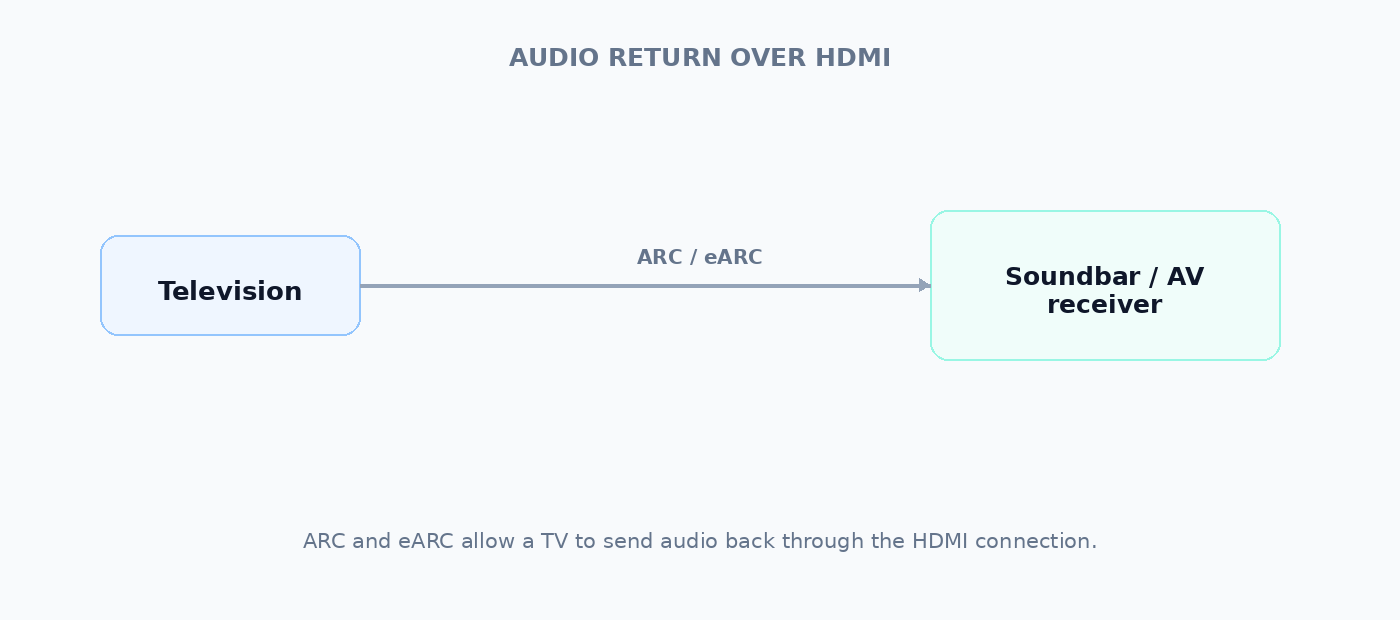
Without ARC/eARC, a separate audio connection may be required.
Again, this is an example of the ecosystem shaping the interface. A TV is not simply a “display”; it is often the central component of a home entertainment system.
DisplayPort grew out of the computer-display world
DisplayPort was introduced in the mid-2000s as a modern digital display interface for computers, replacing or supplementing older interfaces such as VGA and DVI.
The needs of a computer display system can be different from those of a living-room AV system.
Consider a desktop PC:
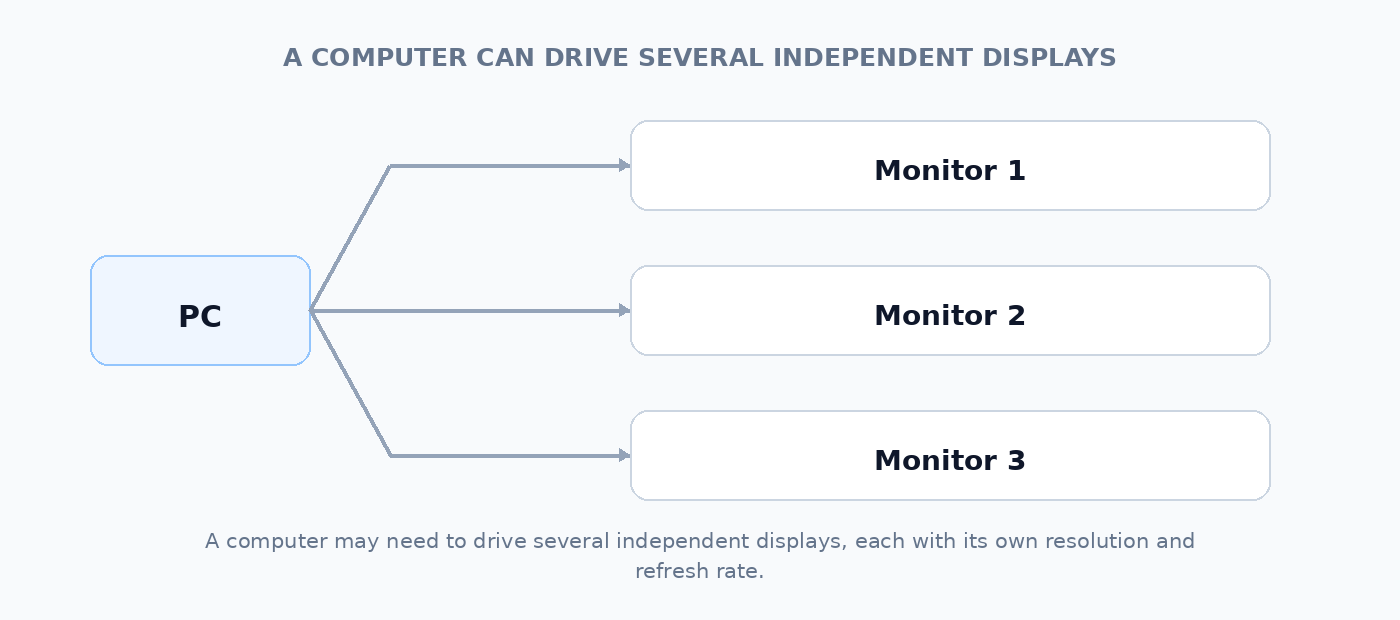
A computer might need to drive several independent displays, each with different resolutions and refresh rates.
It might also need to support very high refresh rates for gaming, high-resolution professional displays, or flexible combinations of displays.
DisplayPort’s architecture was designed with these sorts of computer-display requirements in mind.
Why does that matter if both just carry pictures?
Because “carrying pictures” describes the job at a very high level.
The interface also has to define how those pictures are transported, how displays are addressed, how timing and control information works, how audio is carried, how devices communicate, and what happens when multiple displays or other functions are involved.
Two interfaces can therefore deliver essentially the same end result while having different architectures and different ecosystems.
A useful analogy is roads.
Two roads can both carry cars from A to B. That does not mean they have to be designed in the same way.
One might be designed around:
- a city-centre network,
- frequent intersections,
- public transport,
- parking and access.
Another might be designed around:
- high-speed long-distance traffic,
- multiple lanes,
- flexible routing.
Both carry cars. Their surrounding requirements are different.
HDMI and DisplayPort are not quite this simple, but the analogy captures the important point: the payload alone doesn’t determine the design of the transport system.
Consumer electronics and computers have different priorities
The distinction is easiest to see by comparing the environments in which the standards became established.
| Requirement | TV / home AV system | PC / monitor system |
|---|---|---|
| Connect a source to one main display | Very common | Common |
| Connect to an AV receiver or soundbar | Very common | Less central |
| One remote controlling several devices | Useful | Less important |
| Audio return from display | Important | Usually less important |
| Game-console compatibility | Important | Not central |
| Multiple independent monitors | Unusual | Very common |
| High-refresh PC gaming | Increasingly important | Very important |
| Display daisy-chaining | Unusual | Useful in some setups |
| Flexible monitor topology | Less important | More important |
These are not absolute divisions. Modern TVs can be sophisticated computers, modern PCs can be entertainment systems, and both standards have evolved to support overlapping use cases.
But their starting points influenced their ecosystems.
DisplayPort and multiple displays
One particularly useful example is MST, or Multi-Stream Transport.
MST allows multiple independent display streams to be carried through a DisplayPort connection and distributed to multiple displays.
A simplified example is:
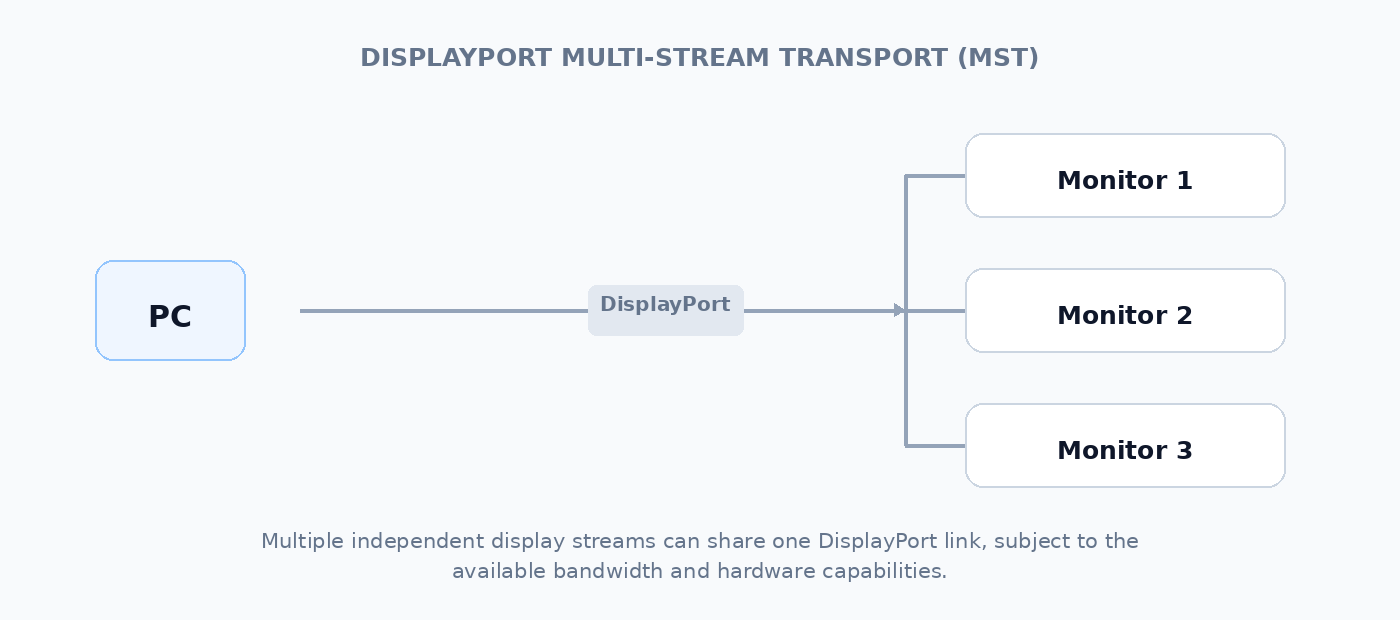
The available bandwidth is still finite: adding displays does not magically create more bandwidth.
But the ability to transport multiple independent display streams is a useful capability in the PC-display ecosystem.
This is one reason DisplayPort has traditionally been particularly attractive for multi-monitor computer setups.
HDMI developed features for the home-theatre chain
HDMI went in a different direction because it became deeply embedded in the consumer AV chain.
A typical system might look like:
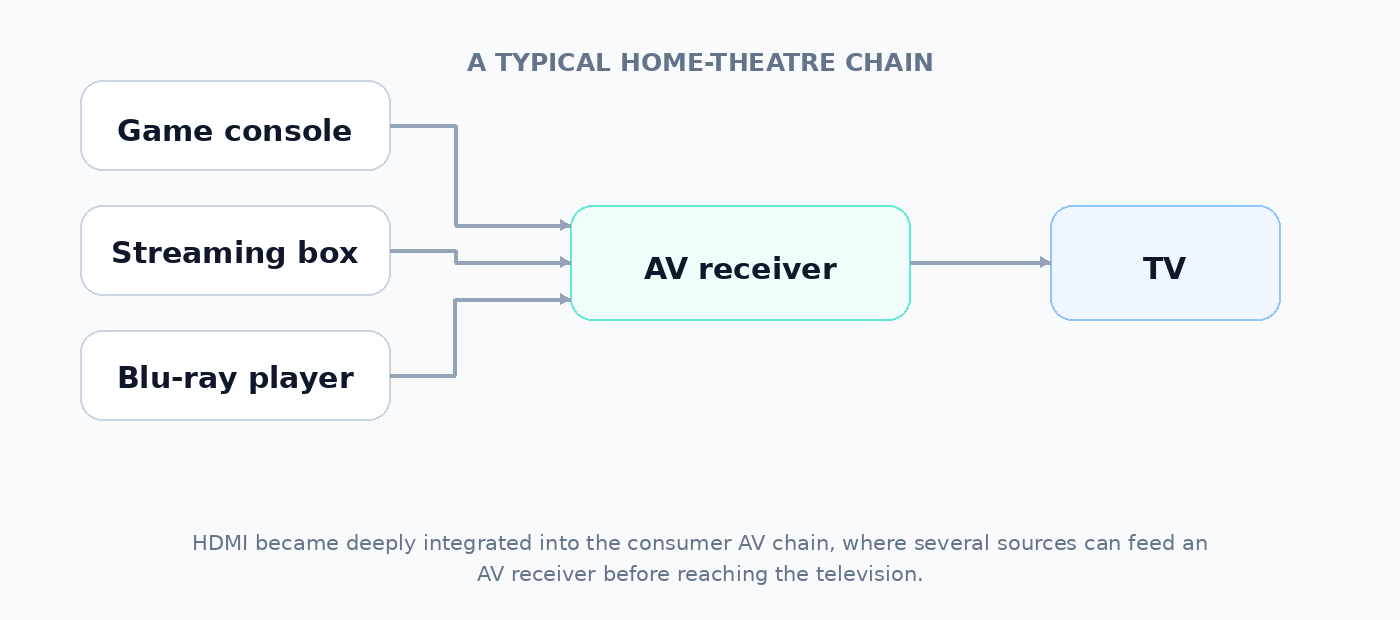
Here the interface needs to work across a chain of consumer devices rather than simply between a graphics processor and a computer monitor.
Features such as CEC and ARC/eARC make sense in this environment.
This does not mean that HDMI is somehow intrinsically better at home theatre or that DisplayPort cannot carry excellent audio and video. It means HDMI became the common language of that ecosystem, and its features evolved accordingly.
The distinction has become much less important
The historical differences are real, but they should not be exaggerated.
HDMI is now used extensively on:
- PCs
- graphics cards
- laptops
- monitors
- professional equipment
DisplayPort is also no longer confined to traditional desktop PCs.
It is used through:
- USB-C
- Thunderbolt
- laptops
- docks
- USB-C monitors
- mobile and embedded systems
Modern DisplayPort and HDMI standards also overlap enormously in their support for high resolutions, high refresh rates, HDR and adaptive/variable refresh technologies.
In other words, the two ecosystems have been converging.
HDMI and DisplayPort are both capable of very high bandwidth
Bandwidth is still important, especially at high resolution and refresh rate.
The current standards have moved far beyond the original generations.
| Standard | Maximum signalling bandwidth |
|---|---|
| HDMI 1.4 | 10.2 Gbps |
| HDMI 2.0 | 18 Gbps |
| HDMI 2.1 | 48 Gbps |
| HDMI 2.2 | 96 Gbps |
| DisplayPort 1.2 | 21.6 Gbps |
| DisplayPort 1.4 | 32.4 Gbps |
| DisplayPort 2.1 UHBR20 | 80 Gbps |
These are interface bandwidth figures, not simple “maximum resolution” numbers.
The actual display modes available depend on the source, display, link rate, colour format, bit depth, compression, and other factors.
That is why simply seeing “HDMI 2.1” or “DisplayPort 2.1” on a specification sheet is not always enough to determine exactly what a system can do.
Why doesn’t the fastest interface simply win?
Because bandwidth is only one part of the problem.
Suppose two interfaces can both carry enough data for:
4K at 120 Hz
If both source and display support that mode, there is little reason for the user to care which interface is carrying it.
The differences become important when one interface supports a particular feature or configuration that the other does not.
For example:
- A TV may have extensive HDMI support but no DisplayPort input.
- A PC monitor may offer DisplayPort MST.
- A laptop may expose DisplayPort through USB-C.
- A soundbar may expect HDMI eARC.
- A gaming console may provide HDMI but no DisplayPort.
- A multi-monitor dock may be built around DisplayPort streams.
So the useful question is not:
“Which interface has more bandwidth?”
It is:
“Which connection supports the combination of devices and display modes I actually need?”
DisplayPort over USB-C changes the picture
This is particularly important for laptops.
A USB-C connector is not itself a display standard. It is a physical connector that can carry different protocols.
One of those is DisplayPort through DisplayPort Alt Mode.
“Alt Mode” means that the USB-C connection can allocate its high-speed lanes to another protocol instead of using all of them for ordinary USB data.
For example:
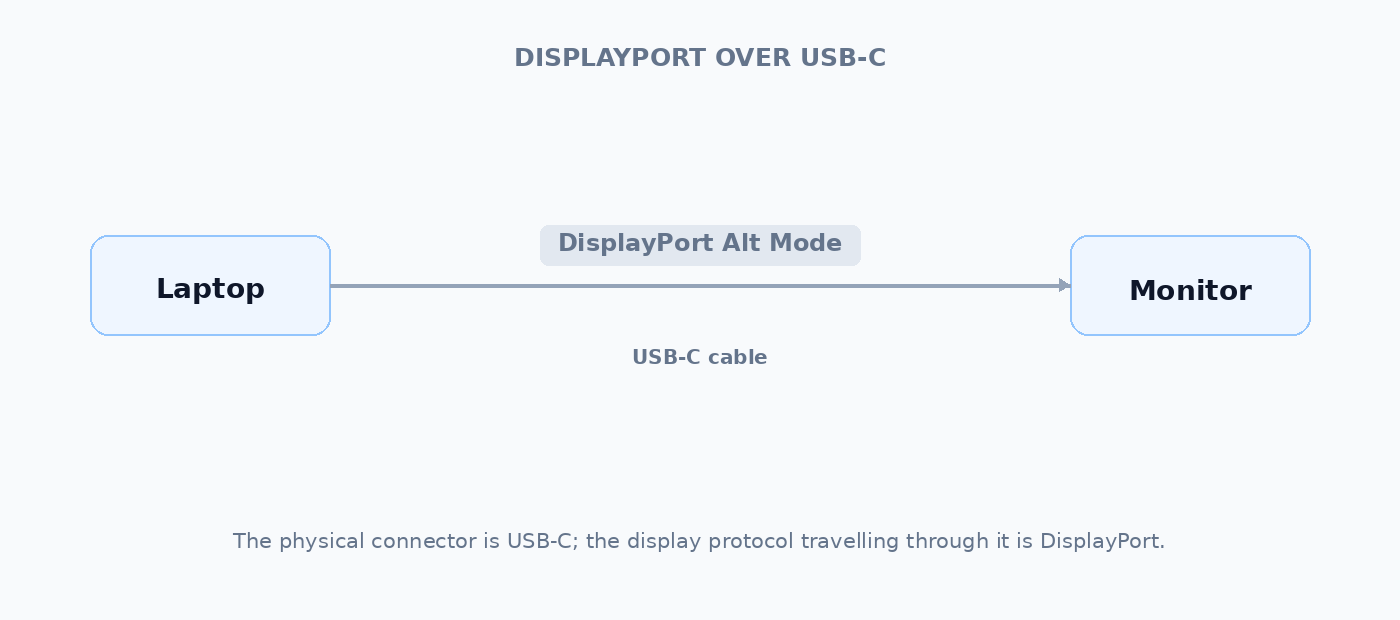
This is one reason a laptop can have no physical DisplayPort connector and yet still drive a DisplayPort monitor.
It is also why “USB-C” by itself tells you very little about display capability. A laptop’s USB-C port may support DisplayPort, USB4, Thunderbolt, Power Delivery, some combination of these, or fewer capabilities.
That is exactly the sort of distinction PortSpecs is intended to document.
What about HDMI over USB-C?
HDMI can also be carried through USB-C.
This is called HDMI Alt Mode for USB Type-C.
It allows an HDMI-enabled source to use a USB-C connector to connect directly to an HDMI display without requiring a separate protocol-conversion dongle.
In practice, however, DisplayPort Alt Mode has become much more prominent in the USB-C computer ecosystem.
So when you see a laptop specification saying that a USB-C port supports DisplayPort, that is highly relevant information even though the laptop has no DisplayPort-shaped socket.
So which should you choose?
For a laptop, I would not make HDMI vs DisplayPort the first question.
Start with the display you actually want to connect.
If you mainly use TVs, projectors or home-theatre equipment
HDMI is usually the natural choice.
It is the interface those devices are overwhelmingly likely to provide, and features such as ARC/eARC and CEC are designed around that ecosystem.
If you use PC monitors
Either can be excellent.
Check the actual capabilities of both ends:
- resolution
- refresh rate
- HDR
- colour depth
- variable refresh rate
- number of displays
- required bandwidth
If both HDMI and DisplayPort can provide the mode you want, there is generally no inherent image-quality advantage to choosing one over the other.
If you use multiple monitors
DisplayPort can be particularly useful because of its support for Multi-Stream Transport and its strong integration with PC display systems.
But docks and USB-C/Thunderbolt systems can complicate this considerably, so check the complete specifications rather than assuming that a laptop with several USB-C ports can drive any number of monitors.
If you’re buying a laptop
This is where the physical connector can be misleading.
A laptop with:
3 × USB-C
could have three very different capabilities depending on the model.
For example:
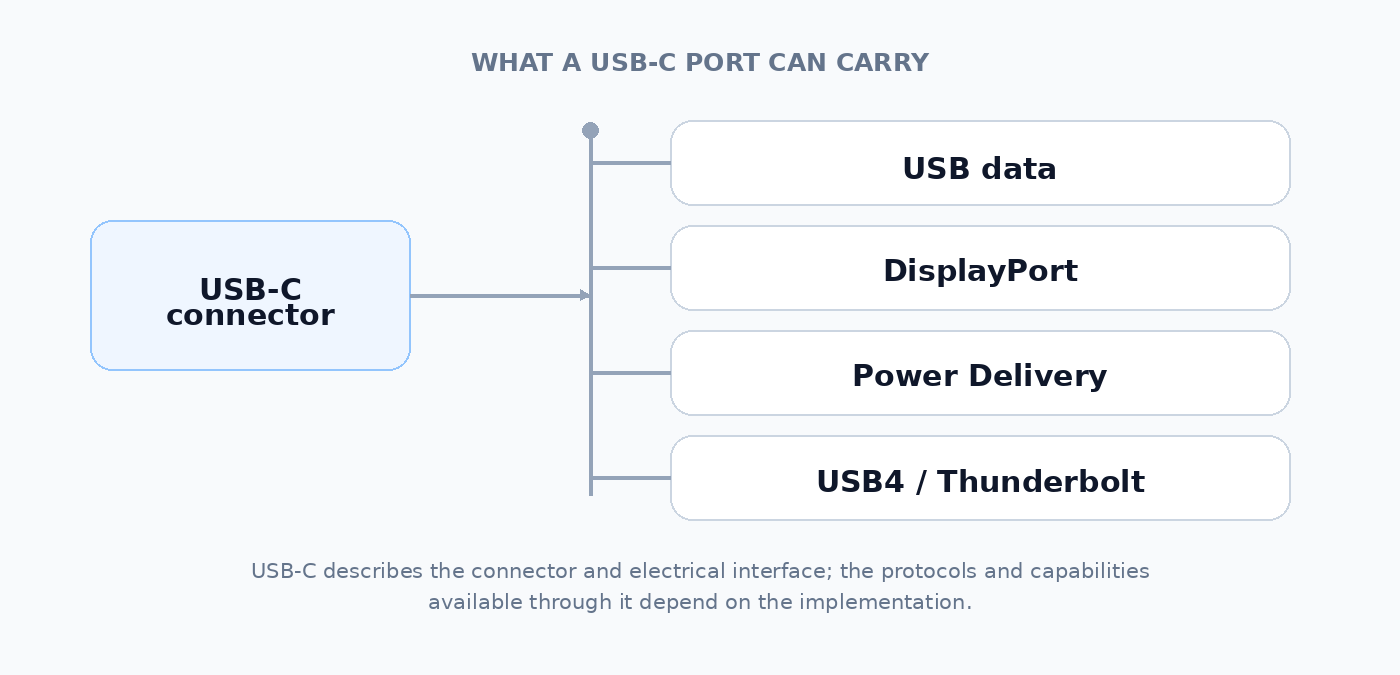
or it might have a much more limited USB-C implementation.
Look at the capabilities, not just the connector shape.
The PortSpecs takeaway
For laptop shopping, HDMI and DisplayPort are best thought of as two mature display ecosystems that now overlap heavily.
The historical distinction explains why HDMI remains so dominant in TVs and home AV equipment, while DisplayPort remains deeply embedded in PC monitors and computer graphics.
But for a modern laptop, the most useful questions are more specific:
- What displays do you need to connect?
- What resolution and refresh rate do they require?
- How many displays do you need simultaneously?
- Are you connecting directly, or through a dock?
- Does the laptop’s USB-C port support DisplayPort Alt Mode, USB4 or Thunderbolt?
- Does the actual HDMI or DisplayPort implementation provide enough bandwidth for your desired mode?
The connector name is only the beginning.
In one sentence
HDMI and DisplayPort both move digital audio and video, but they evolved around different device ecosystems and therefore developed different features and strengths; today, the practical choice is usually determined less by the name of the interface than by the capabilities of the specific source, display and connection.
Sources
- VESA — DisplayPort FAQ — primary source for DisplayPort, DisplayPort over USB-C and DisplayPort Alt Mode.
- HDMI Licensing Administrator — HDMI 2.2 Specification Technology Overview — primary source for current HDMI bandwidth and capabilities.
- HDMI Licensing Administrator — Enhanced Audio Return Channel (eARC) — primary source for HDMI audio return.
- USB-IF — USB4 — primary source for USB4 architecture and its use of USB Type-C.
- USB-IF — Document Library — current USB Type-C and USB4 specifications.